HILOP / Product Tour
Follow identity operations from profile launch to audit.
The current native console keeps users, devices, reporting, workflows, utilities, and audit history in one profile-controlled workspace.
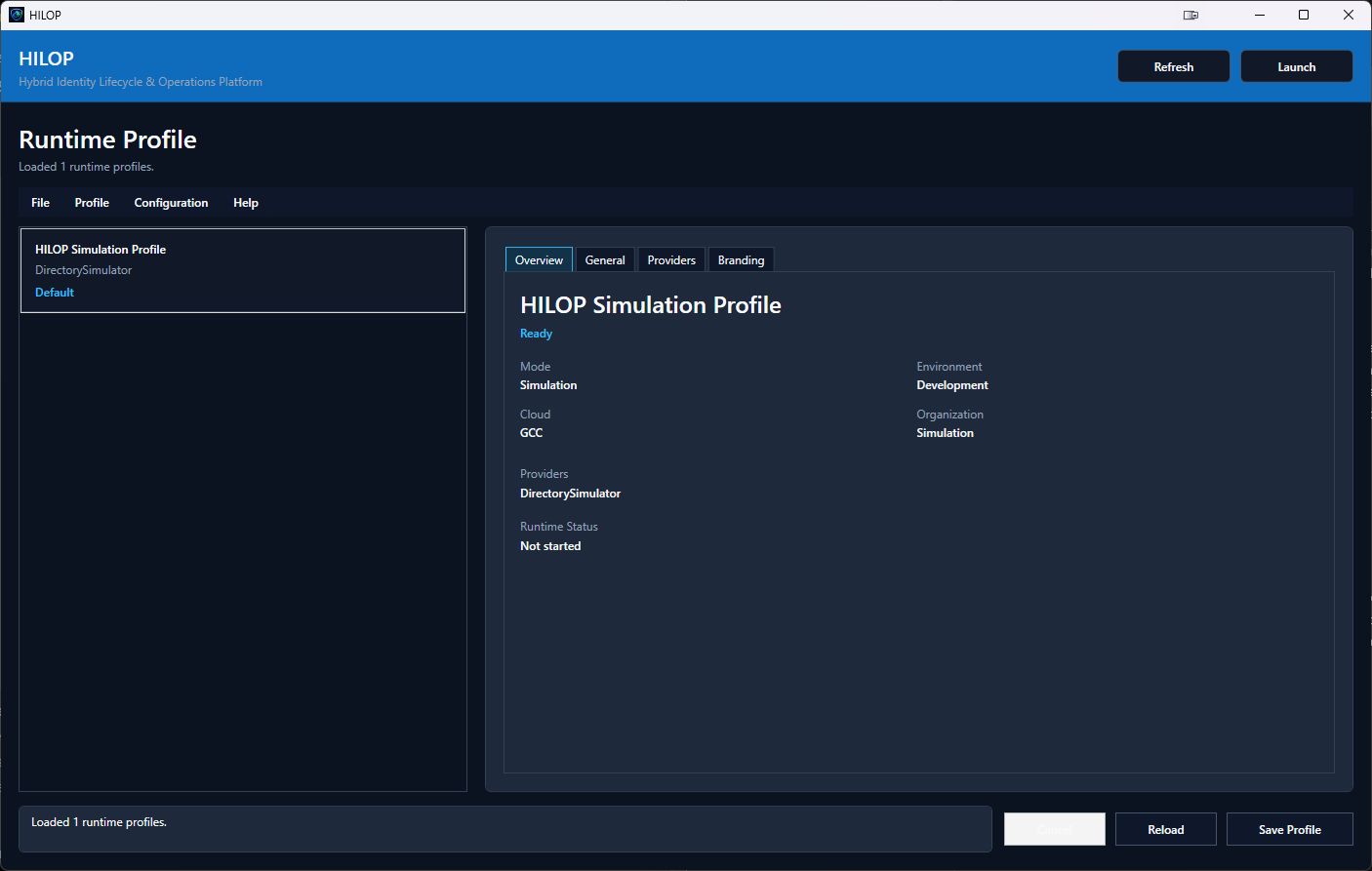
Runtime Profiles
Control cloud, topology, providers, credentials, and branding before launch.
Profiles define simulation or live mode, Commercial or US Government cloud endpoints, enabled providers, hybrid ownership rules, and the visual theme applied to the console.
Unified Console
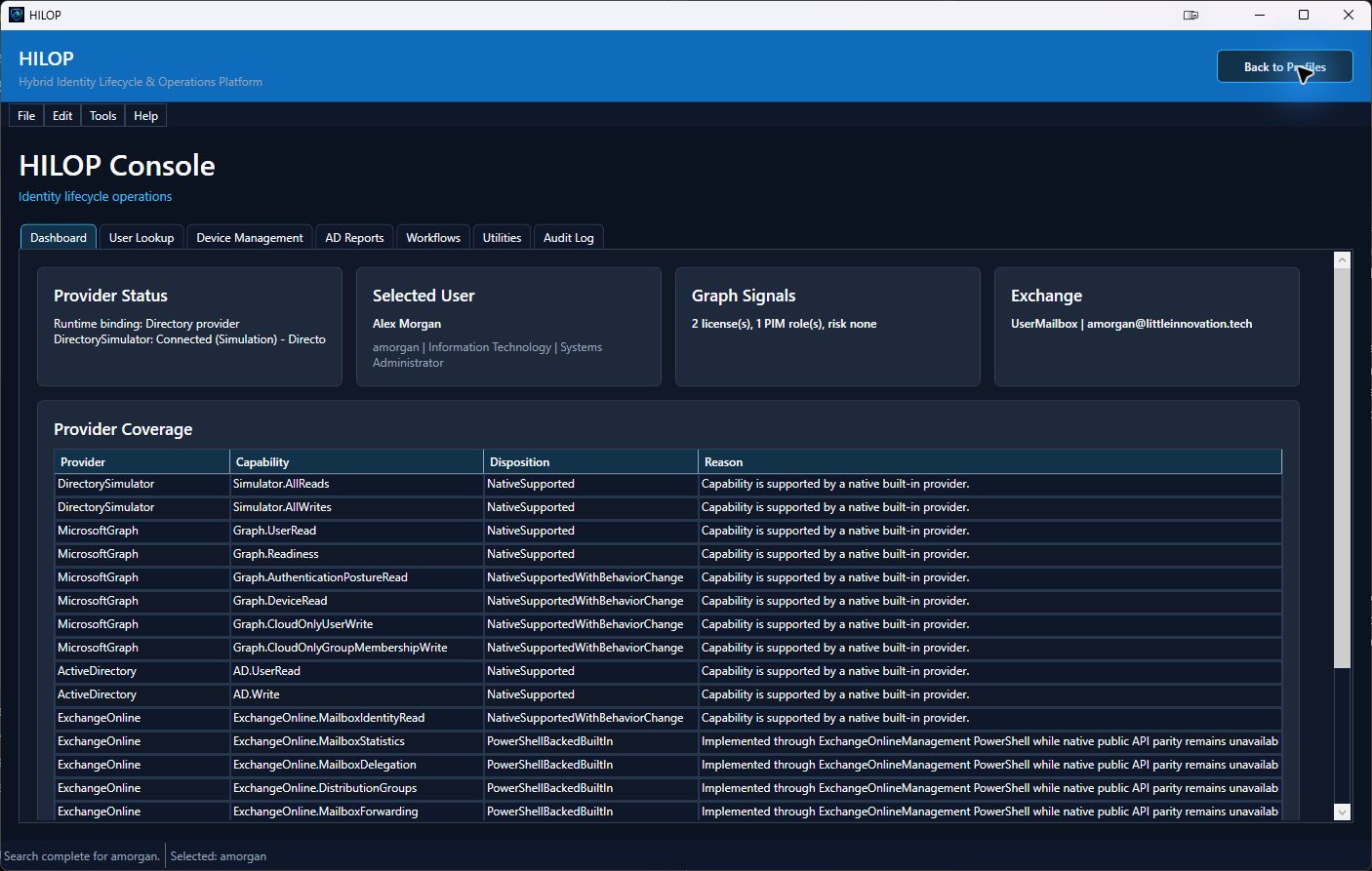
Keep provider health and the selected identity in one workspace.
The dashboard summarizes directory, Graph, and Exchange state before operators move into user lookup, device management, reports, workflows, utilities, or audit history.
Device Management
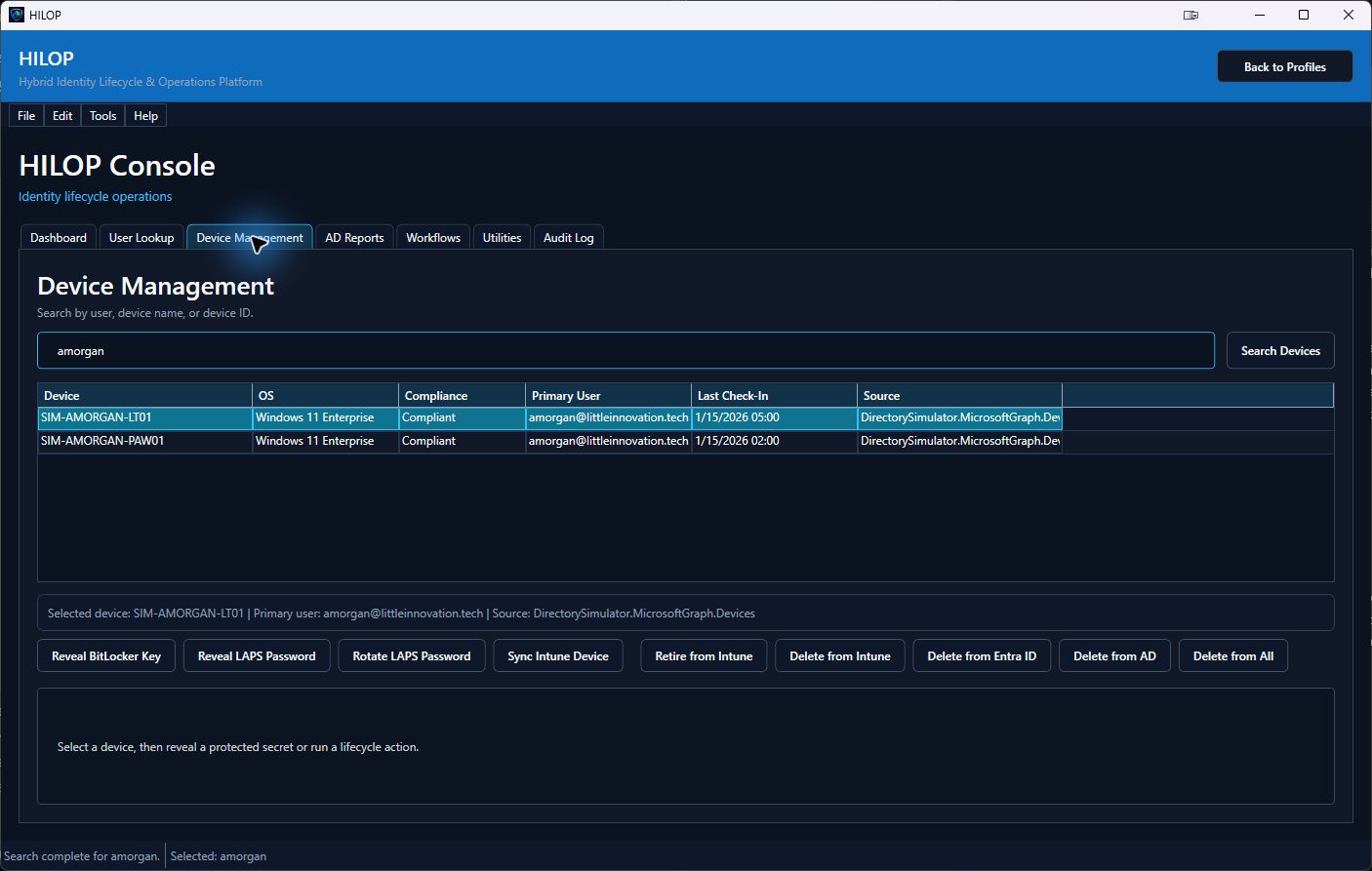
Search across AD, Entra ID, and Intune, then act at the owning source.
User and device searches share context. HILOP can resolve assigned devices, reveal protected BitLocker and LAPS data, request an Intune sync, rotate Windows LAPS, retire devices, and perform source-specific deletion with confirmation and audit.
AD Reports
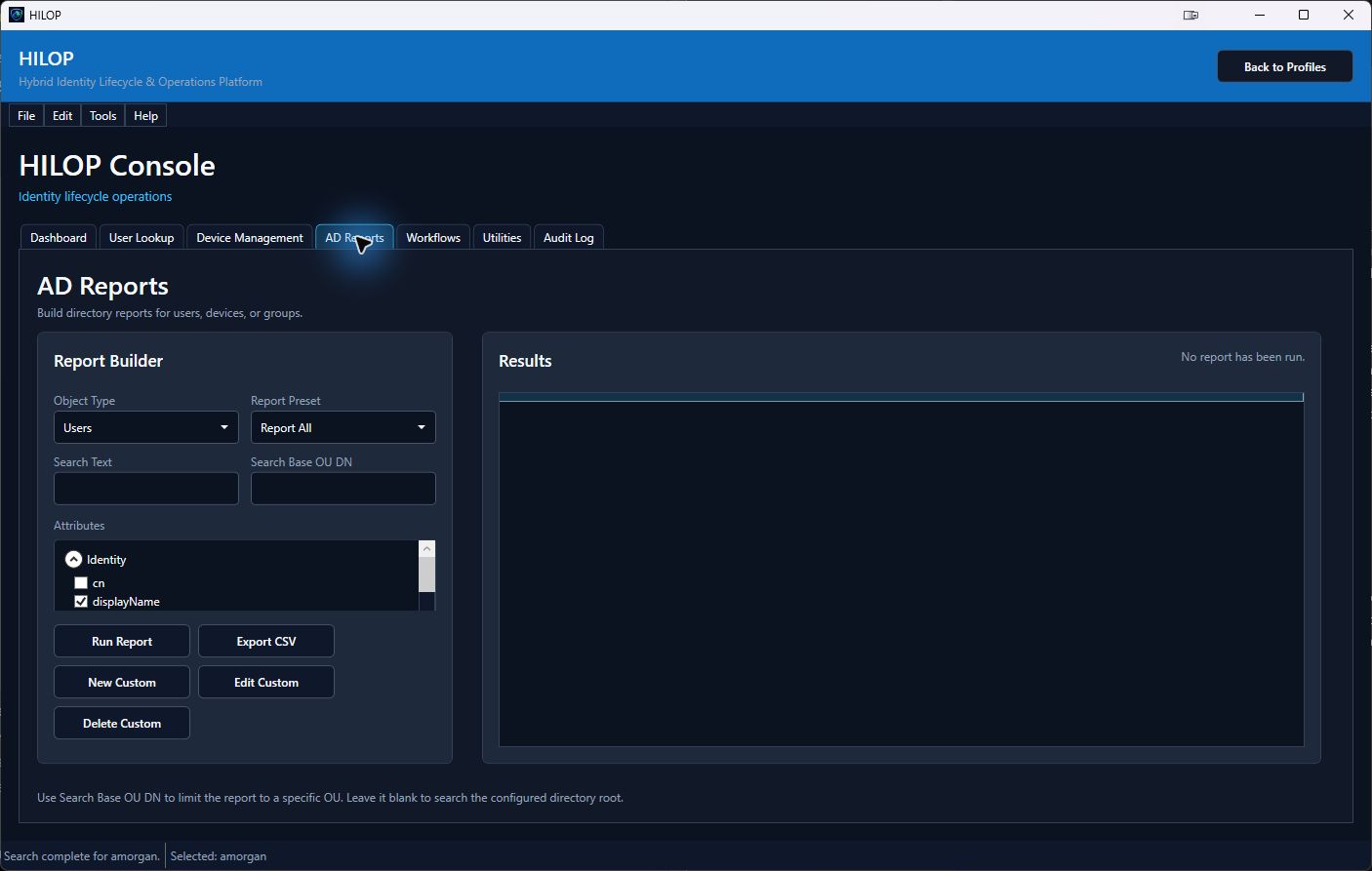
Build directory reports from the schema the environment actually exposes.
Choose users, devices, or groups, scope the query to an OU, start from a preset or saved custom report, select schema-discovered attributes, view the results, and export to CSV.
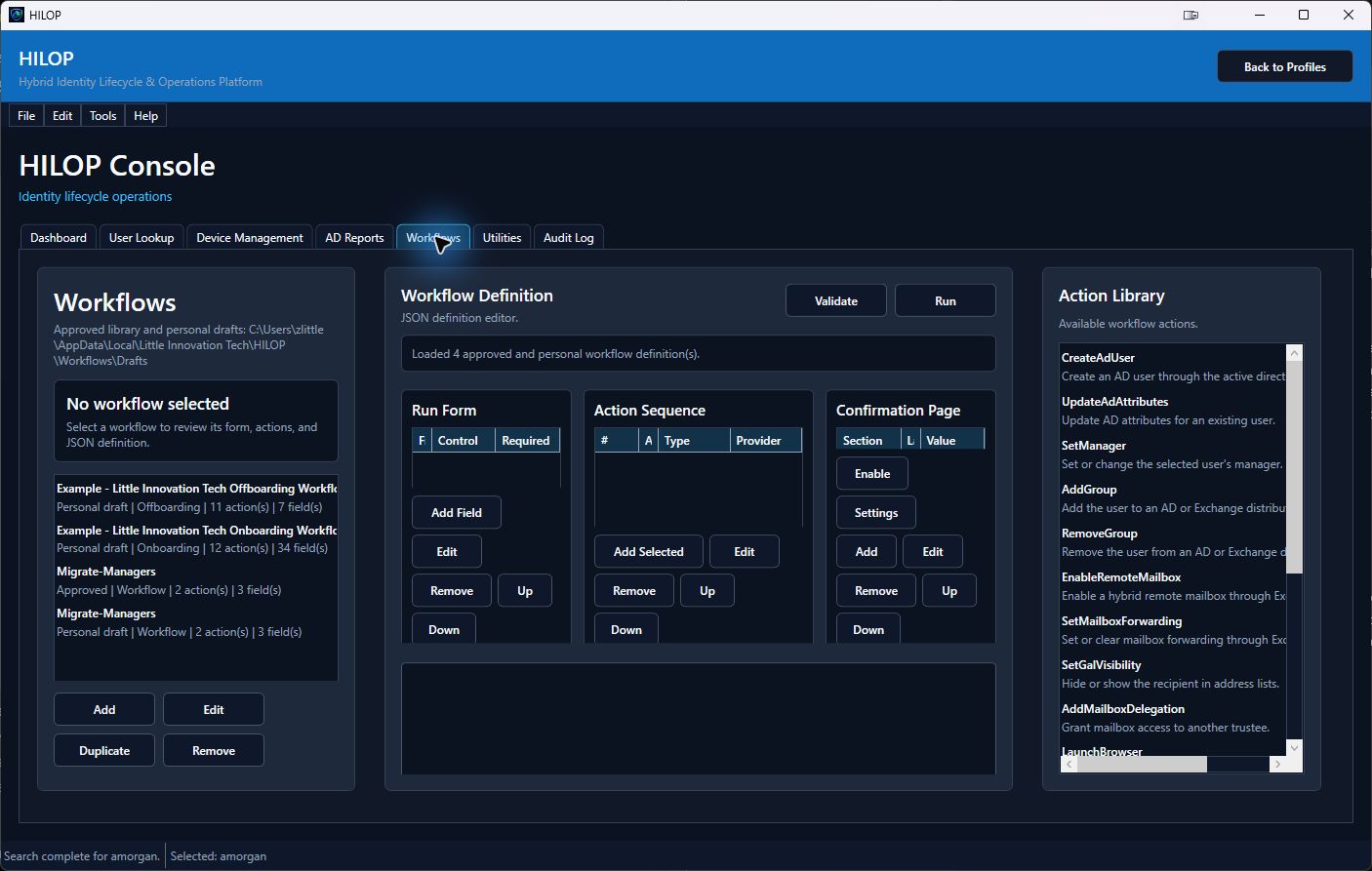
Workflows
Turn organization-specific lifecycle procedures into governed workflows.
The visual designer and JSON view define operator forms, validation, confirmation behavior, action sequences, provider calls, approved PowerShell, REST integrations, email, approvals, delays, and conditional branches.
Audit History
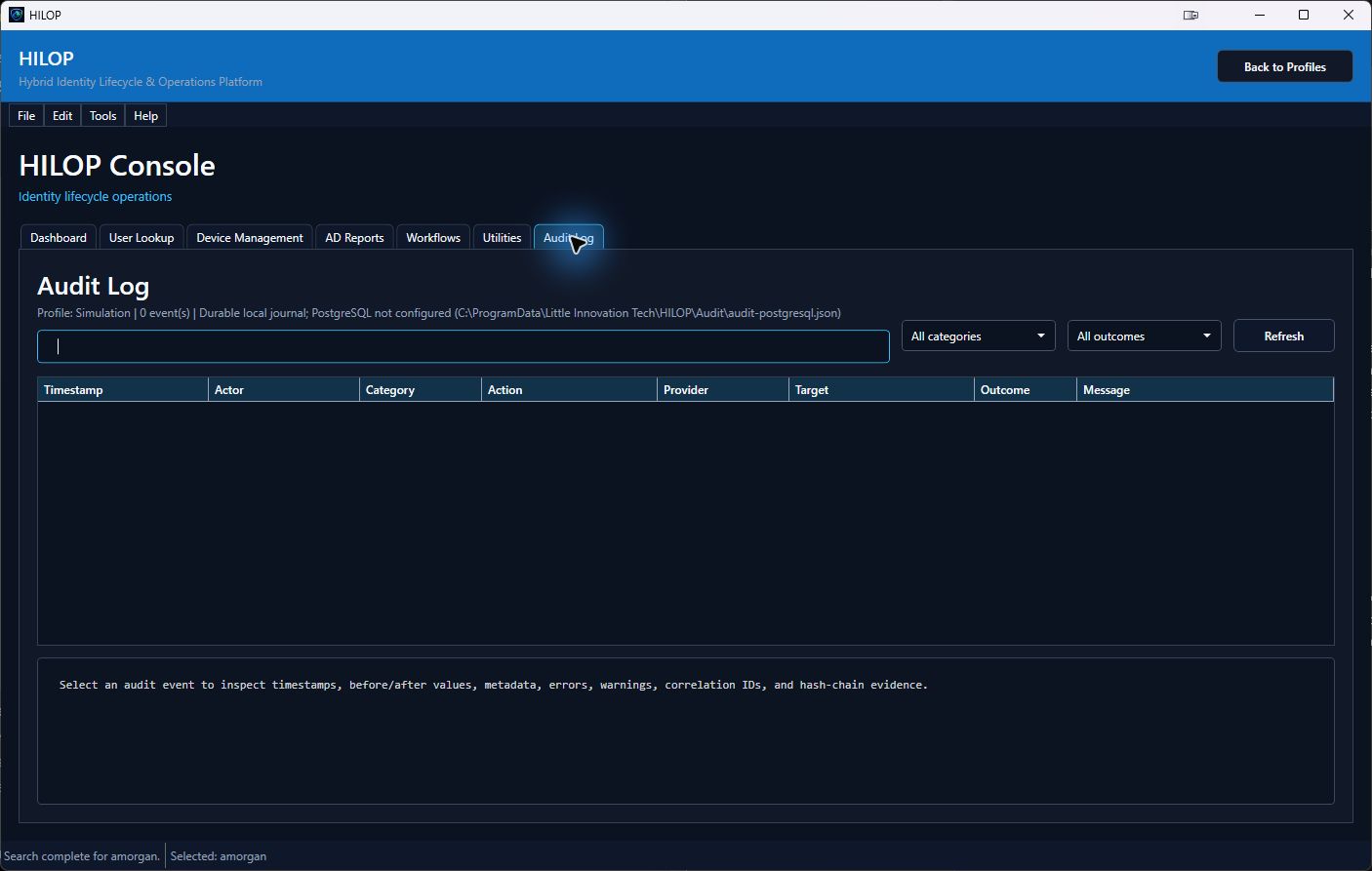
Review who acted, what changed, and how the operation completed.
Audit events retain actor, target, category, provider, outcome, timestamps, messages, metadata, correlation details, and before-and-after values where applicable.
Continue Evaluating