01
Profile details
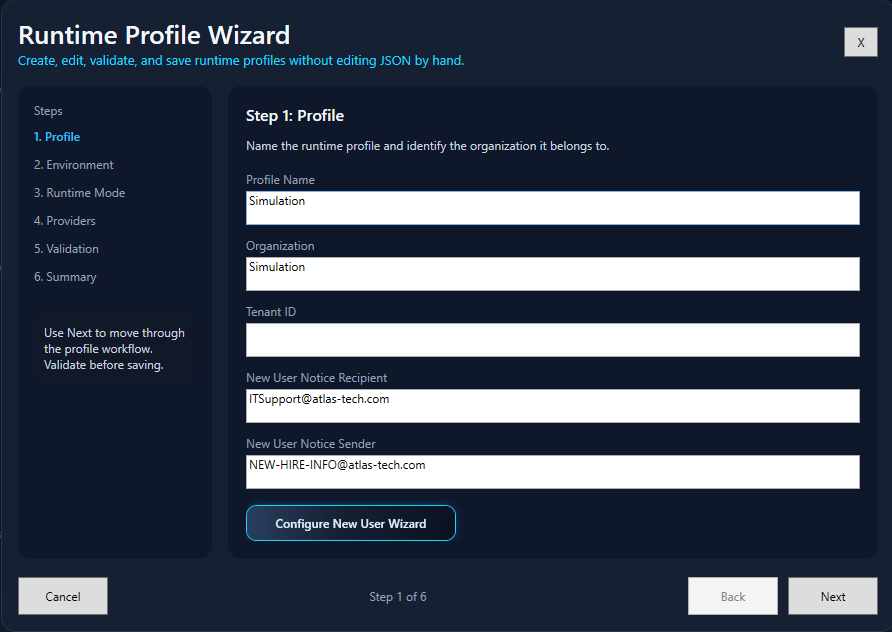
Name the profile and provide the organization, tenant, app registration, and certificate information used by cloud providers.
Hybrid Admin Panel / Setup & Use
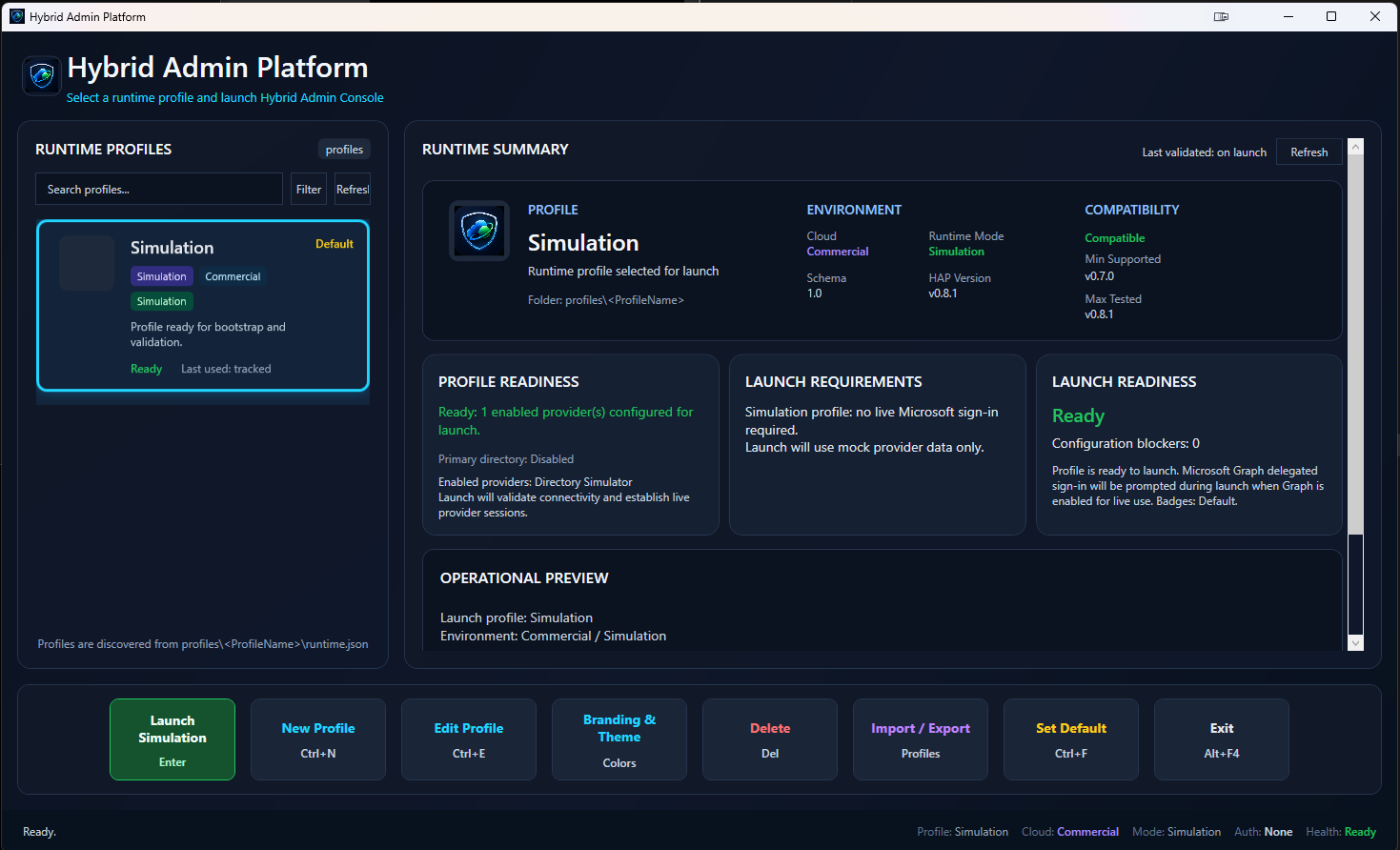
HAP begins at the runtime home. From there, the operator selects or creates a profile, validates the configured providers, launches the runtime, and opens only the workflows supported by that environment.
Step 1 / Runtime home
The startup dashboard is the control point for the current session. It displays the selected runtime profile, operating mode, provider state, launch requirements, diagnostics, and the available operational workflows.
Step 2 / Runtime profile
The profile wizard keeps all environment-specific settings together. Use the steps below to review the current configuration flow without scrolling through six full-size screenshots.
Name the profile and provide the organization, tenant, app registration, and certificate information used by cloud providers.
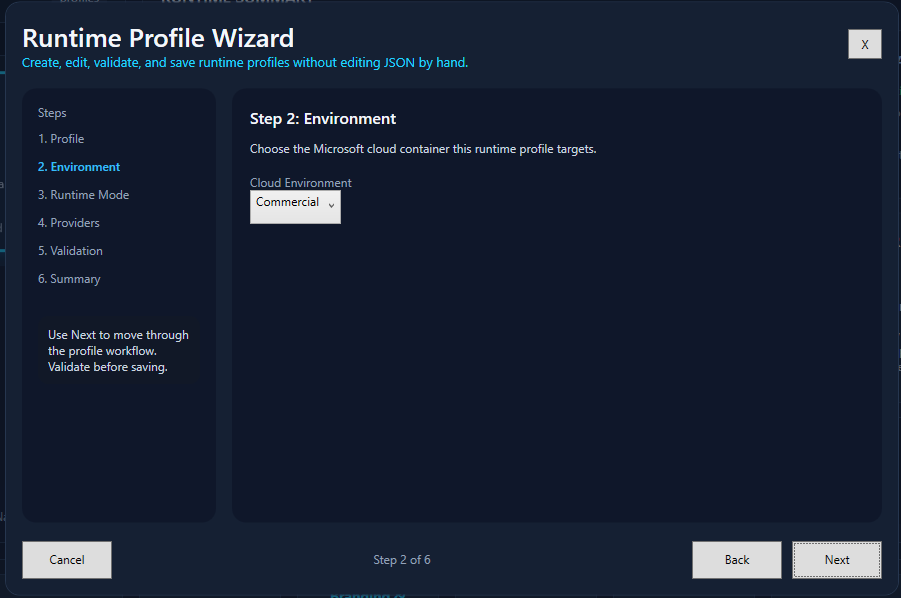
Select the Microsoft cloud and organizational environment. HAP uses this selection to resolve the correct service endpoints and cloud behavior.
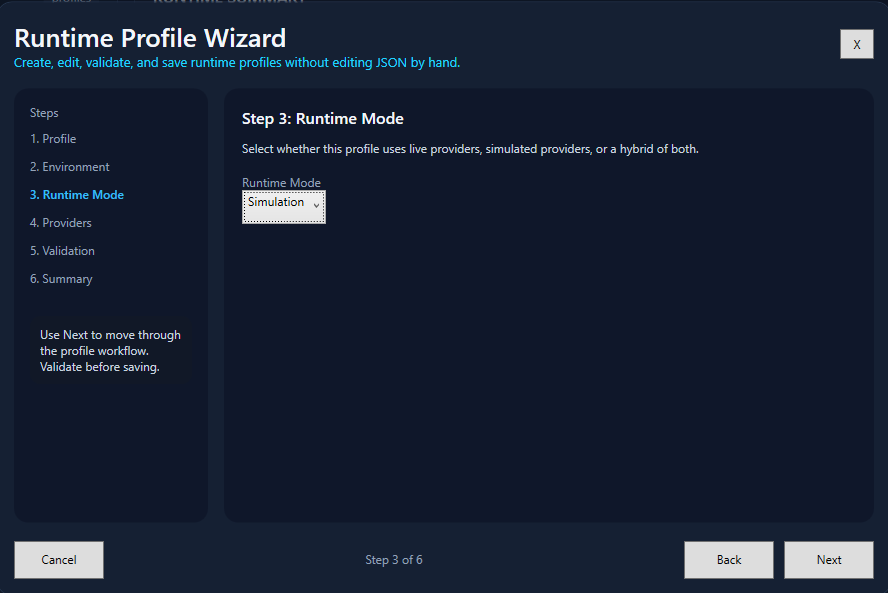
Choose Simulation, Live, or Hybrid. Hybrid mode allows individual providers to be live, simulated, or disabled within one profile.
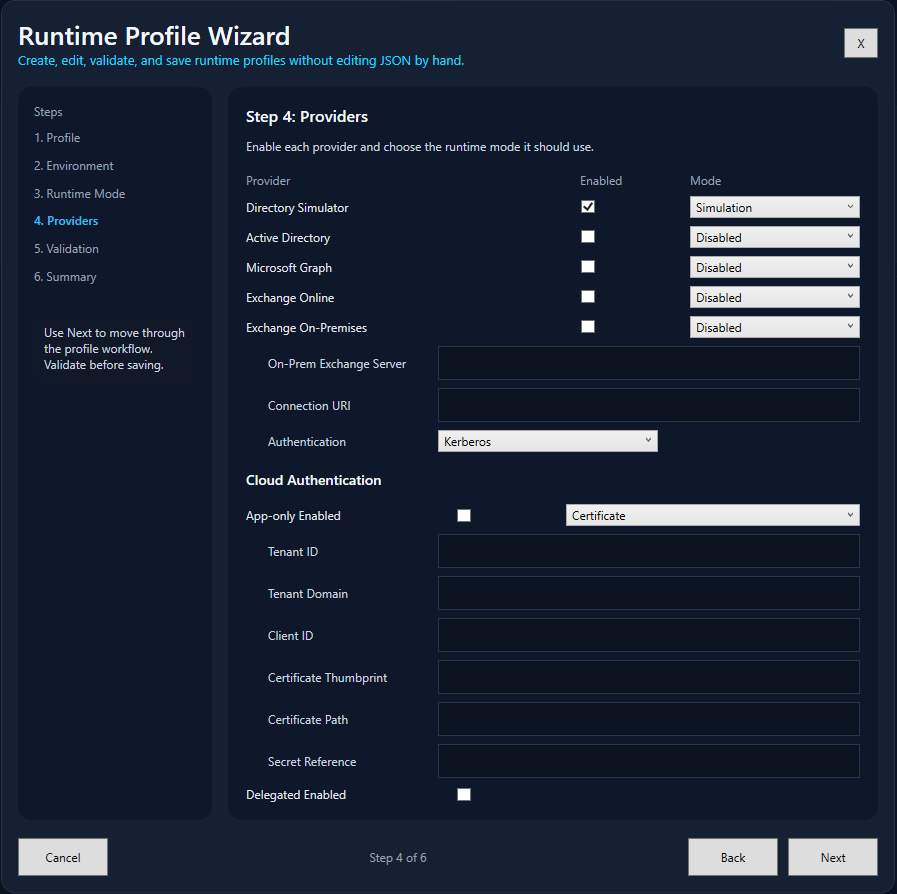
Enable the systems available to the organization and configure each provider's mode and provider-specific connection information.
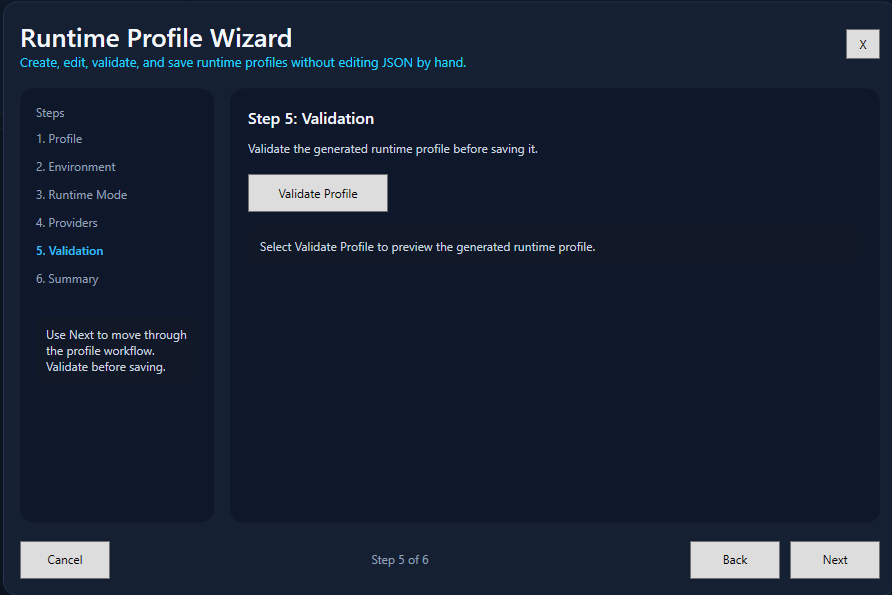
Validate the profile before saving so missing configuration or provider requirements are identified before runtime launch.
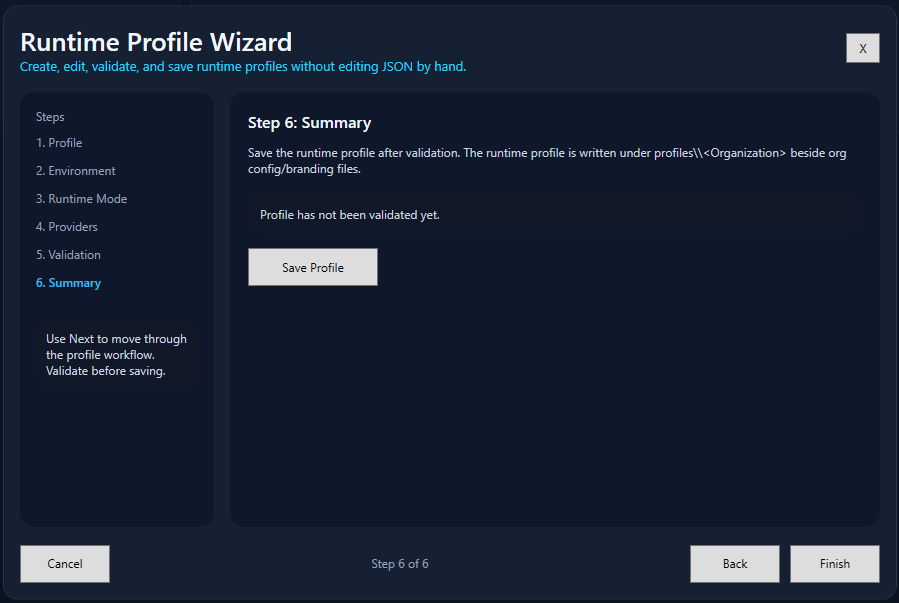
Review the resulting profile, save it, and return to the runtime home where it becomes available for selection and launch.
Step 3 / Launch
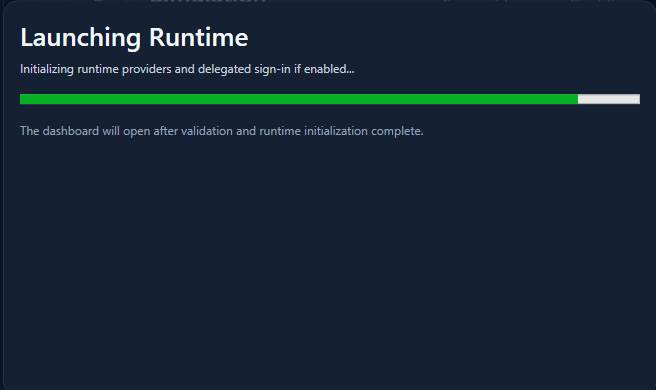
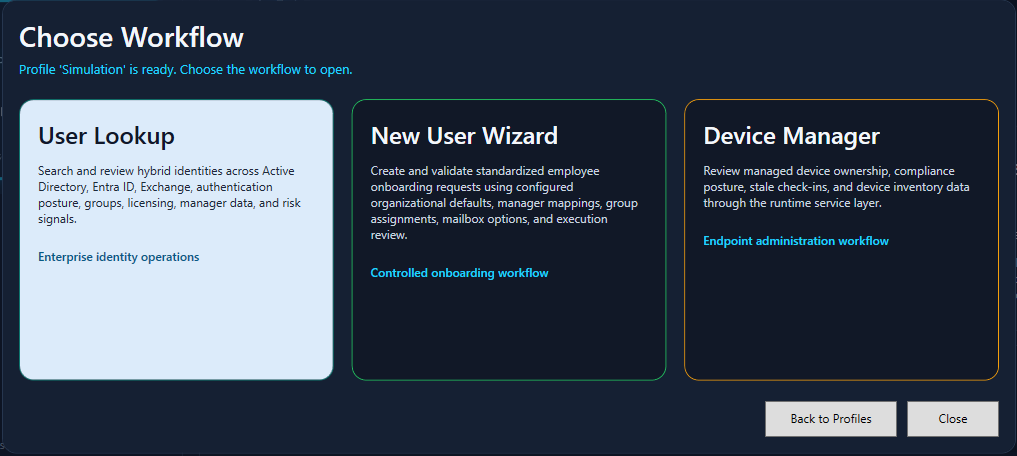
Launching the runtime validates and initializes the configured providers. After that process completes, HAP presents the workflows available for the active profile.
Workstation requirements
A Windows desktop environment with Windows PowerShell and WPF support.
RSAT Active Directory module for live domain operations.
ExchangeOnlineManagement module for live Exchange Online operations.
Current feature availability
The matrix below describes the current PowerShell/WPF baseline. A configured provider may still return less information when a tenant, role, license, target object, or permission does not expose the requested data.
| Area | Primary sources | Current role | Important dependency |
|---|---|---|---|
| User Lookup | AD, Graph, Exchange Online, Exchange On-Premises | Read and selected administration | Loaded providers and operator permissions |
| New User Wizard | Active Directory, optional Exchange On-Premises | Plan, preview, create, assign groups, enable remote mailbox | Profile mappings and execution rights |
| Device Manager | Active Directory, Microsoft Graph | Read-oriented search and normalization | Available directory or managed-device data |
| Authentication context | Microsoft Graph | Methods, MFA posture, sign-in and related fields | Tenant permission and feature availability |
| Mailbox administration | Exchange Online, Exchange On-Premises | Forwarding, address-list, delegation, and distribution operations | Recipient type, provider capability, and rights |
Authentication
Integrated Windows authentication through the operator's current Windows context.
Kerberos or explicitly configured remoting authentication.
Interactive delegated browser authentication or certificate-based app-only authentication.
Certificate-based application authentication with Exchange Online application permission and RBAC.
Operational boundaries